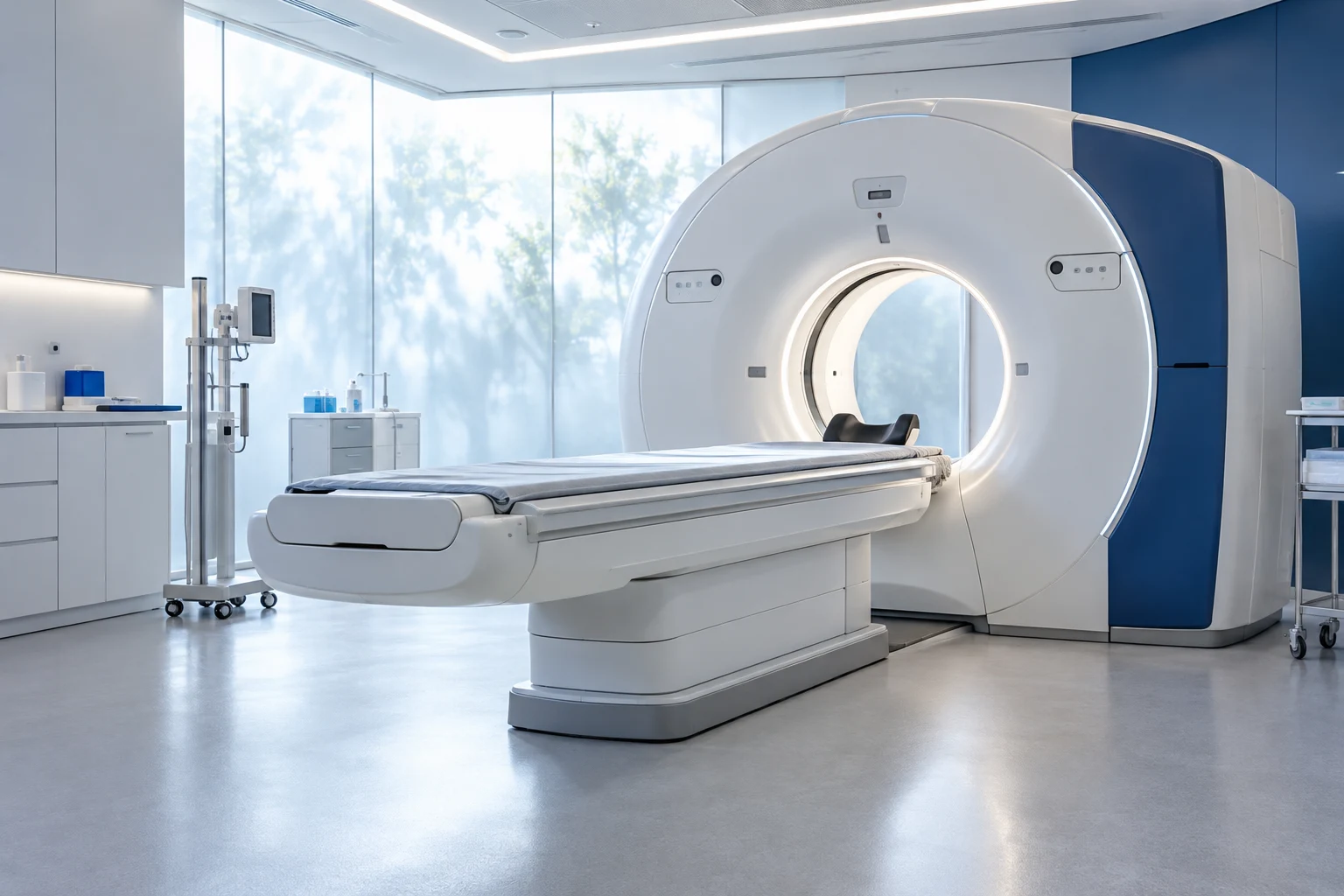
Diagnostic services
Diagnostic imaging
A dedicated information pathway to coordinate the enquiry, verify the requested service and arrange attendance.
Check the requested serviceProvided by the service
From identifying the outpatient service to checking in: organised information for attending your appointment.
Prepare an information enquiryTo arrange a visit, start with the outpatient service named in the enquiry. The appointments office checks the service, gathers scheduling preferences and clarifies administrative steps. The date, time and arrival point are provided with confirmation so you know where to attend and whom to contact.
Before arriving, check the required documents and check-in arrangements. If you have practical access requirements or need someone to accompany you, agree these with reception for your appointment. The consultation itself and any later meetings are defined during the discussion with the professional.
The department or service to contact.
The appointment and access details to check.
Practical contacts for patients and accompanying adults.
The appointments office checks the requested service and communicates the date, location and check-in steps. A calendar preference requires confirmation; this demonstration summary does not assign an appointment or priority.
No. Aurora is a fictional facility and the website describes example scheduled pathways only. It does not handle urgent care, healthcare assistance or communications with a real hospital.
Contact the office that arranged the admission. Check arrival arrangements and administrative documents with the designated staff; healthcare instructions are provided by the appropriate service through agreed channels.
No. There is no health record or report archive connected to the demo. Real collection and access arrangements would be explained by the service through its dedicated channels.
Contact reception with the appointment and premises you need to reach. Access arrangements and accompanying-person requirements should be checked before arrival in relation to the agreed pathway.
A dedicated information pathway to coordinate the enquiry, verify the requested service and arrange attendance.
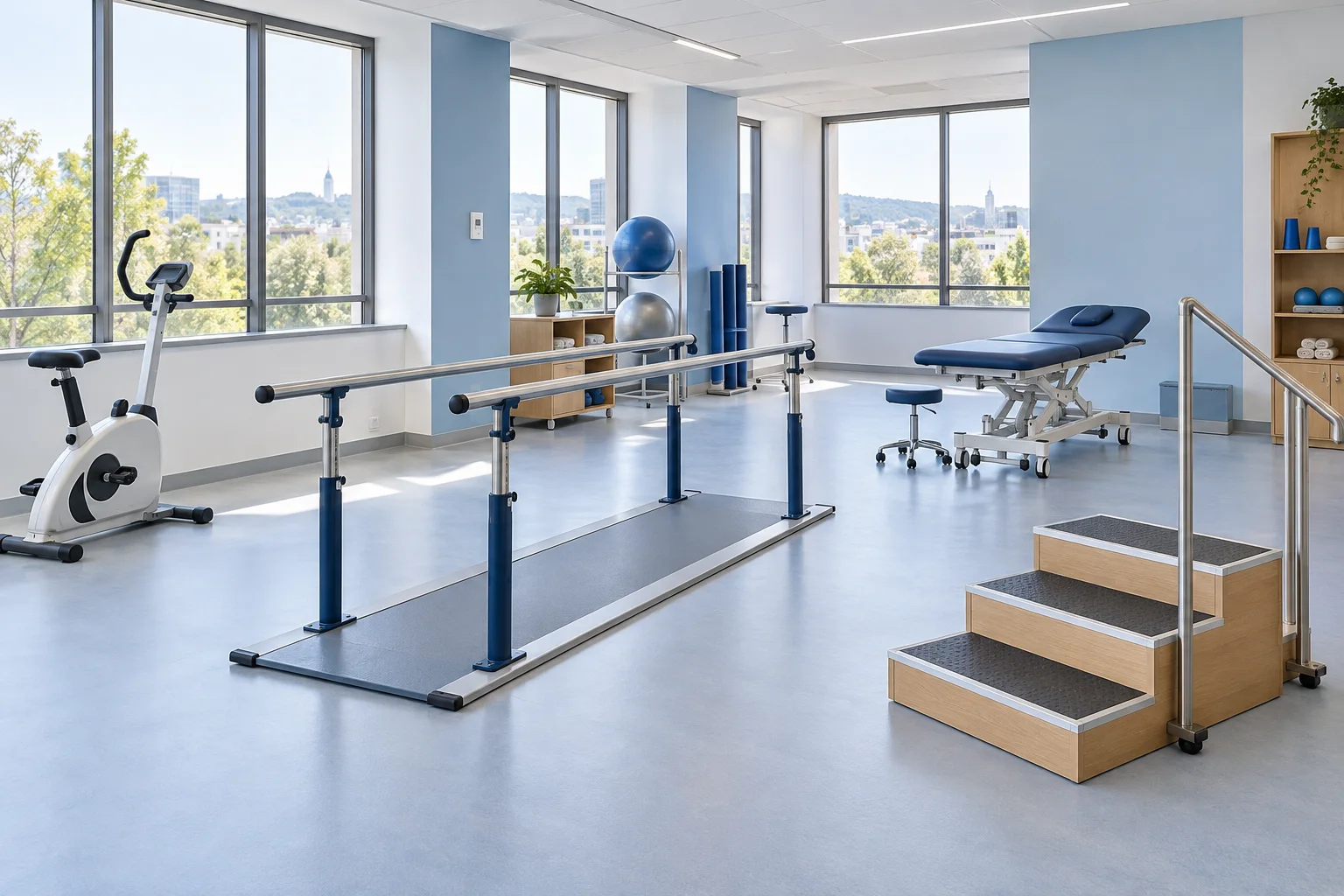
Coordination between appointments, professionals and practical information, built around the agreed programme.
Navigate confirmation, documentation and arrival with a clear contact for practical questions.
You can freely change the design, layouts, copy, images and features. We start with an example you like and build the website around your business.
Identity, layouts, copy and imagery. Every detail can be reimagined.
Contacts, opportunities and tasks organised around the way you work.
Assistants for information, enquiries and actions, with clear rules and human oversight.
Bookings, private areas, quotes and automation connected to your tools.
You choose the starting point.
Features and integrations are designed to fit your project; they are not already included in the demos.